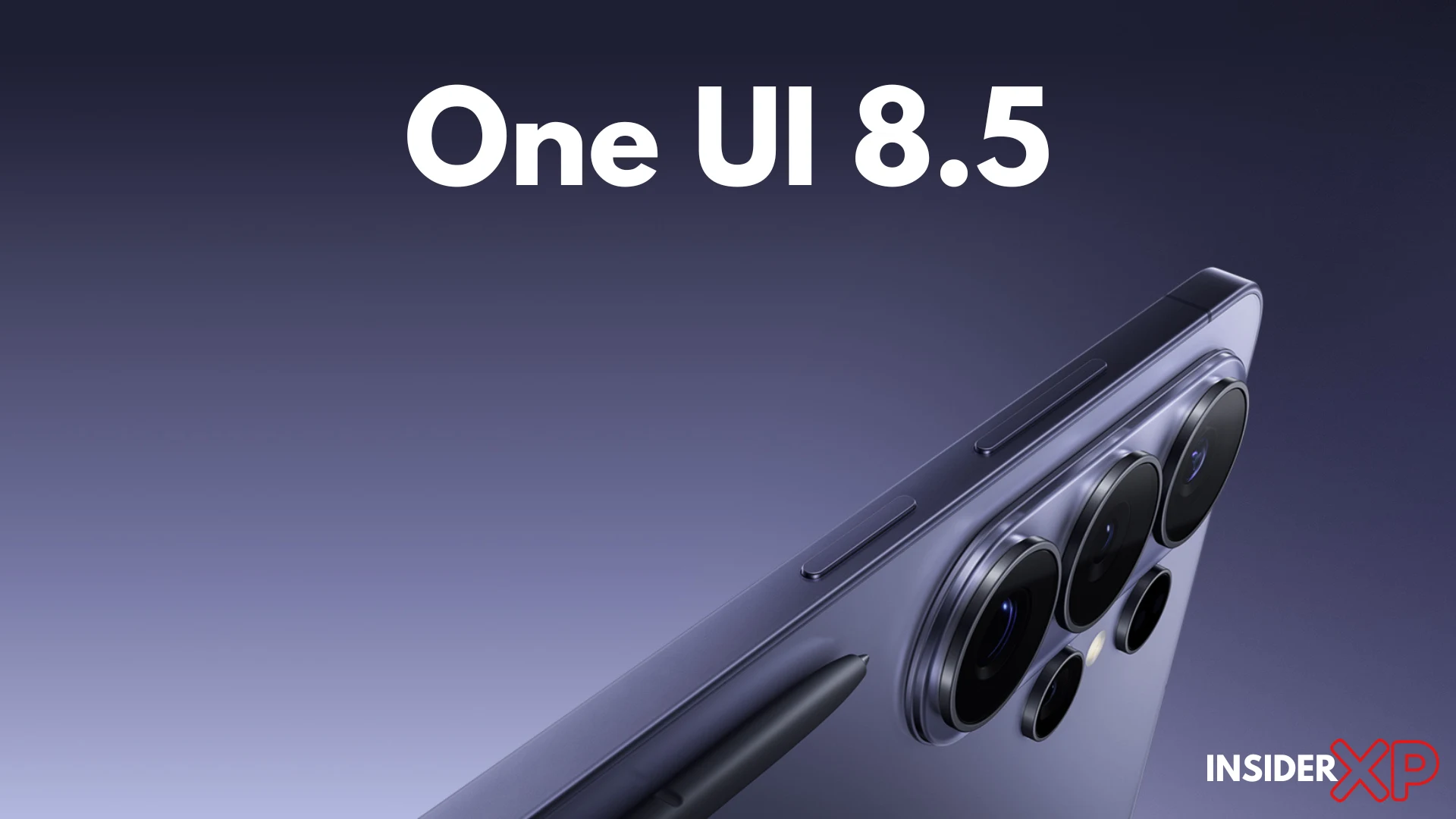
Samsung dropped Samsung One UI 8.5 with a polished press release and a lot of words that said very little. The marketing leads with “Galaxy AI” in every other sentence. The actual changelog tells a different story — one that’s messier, more interesting, and far more useful if you’re trying to decide whether to hit that update button.
We read the changelog so you don’t have to. And what Samsung buried is often more interesting than what it headlined.
This piece covers the Galaxy S25 series and Galaxy S24 series — the two generations currently in the beta program — and tells you exactly what changes, what doesn’t, and what Samsung would rather you not ask about.
What Is One UI 8.5 and Who Gets It First?
One UI 8.5 is Samsung’s mid-cycle software release for 2026, slotting between the major One UI 8 drop and whatever One UI 9 looks like later this year. Samsung’s beta program launched first on the Galaxy S25 Ultra, then expanded to the S25+ and S25, with the S24 series following in subsequent waves. (Source: Samsung Newsroom)
The stable rollout is staggered by region — South Korea and select European markets typically see it first, with North America trailing by a few weeks. If you’re not in the beta program, expect the stable build sometime in the weeks following the initial beta phase. Don’t hold your breath for a simultaneous global launch.
On the Android base: One UI 8.5 ships on top of an updated Android 15 fork, not Android 16. That matters for anyone tracking Samsung’s update commitments. Android 16 support is expected to come with One UI 9. For now, this is a feature and refinement release built on the same Android 15 foundation as One UI 8 — which tells you something about the scope of what’s actually changed under the hood. (Source: Google Android developer documentation)
InsiderXP Fact: Samsung One UI 8.5 is built on Android 15 — not Android 16. Android 16 support is not expected until One UI 9, making this a feature-and-refinement release rather than a platform upgrade.
The Galaxy AI Upgrades Samsung Actually Wants You to Talk About

Samsung’s press materials push three things hardest: an upgraded Circle to Search experience, real-time call translation improvements, and deeper Gemini integration across the system.
Circle to Search gets smarter context handling — it now surfaces more actionable results when you circle product listings, QR codes, and text within images. Genuinely useful. The improvement over One UI 8 is real, not imaginary. Call translation latency has also been reduced, and the supported language list has expanded. If you use that feature regularly, you’ll notice the difference. (Source: Samsung Newsroom)
The Gemini integration is more complicated. Samsung has woven Gemini more deeply into its native apps — Notes, Reminder, and the keyboard assistant. In practice, some of this is a rebadging exercise. Features that previously ran on Samsung’s own on-device models now route through Gemini, which means better results on complex tasks but also a dependency on Google’s infrastructure that wasn’t there before. (Source: Google’s Gemini on Android overview)
Here’s the friction point Samsung glosses over: a meaningful chunk of these Galaxy AI features require a Samsung account and an active internet connection. On-device processing is still the exception, not the rule. Samsung’s marketing implies seamless AI everywhere. The fine print says “requires Wi-Fi or data connection and Samsung account sign-in.” Read accordingly.

The One UI 8.5 Features Samsung Buried in the Changelog
This is where it gets interesting.
Lock screen customization gets a quiet but significant overhaul. You can now layer widgets with greater depth control, and the always-on display has new reactive modes that respond to notification type — not just presence. Samsung barely mentioned this. It’s one of the most immediately noticeable One UI 8.5 features for anyone who spends time personalizing their device.
Notification stacking behavior has been reworked. One UI 8.5 introduces smarter grouping logic that collapses app clusters more aggressively and adds a long-press action directly on stacked notifications to bulk-manage them. Power users will feel this on day one. It’s the kind of quality-of-life fix that makes you wonder why it took this long.
The Quick Settings panel has a new edit mode that finally allows icon resizing alongside repositioning. Small change. Enormous annoyance resolved.
On the deprecation side — and Samsung said almost nothing about this — the older Bixby Routines interface has been further consolidated into the new “Modes and Routines” framework, with some legacy trigger options quietly removed. If you built complex Bixby Routines, audit them before you update. Some configurations won’t survive the migration intact.
DeX users also get multi-window memory improvements, with the system now retaining window size and position states across sessions more reliably. Understated in the notes, meaningful in practice.
One UI 8.5 on the Galaxy S25 — What’s Exclusive and Why
The Snapdragon 8 Elite’s NPU is doing real work in One UI 8.5 that the S24’s chip simply can’t replicate at the same level. (Source: Qualcomm Snapdragon 8 Elite specifications)
InsiderXP Fact: Several One UI 8.5 AI features — including the real-time on-device photo enhancement layer and granular adaptive refresh rate scaling — are hardware-locked to the Snapdragon 8 Elite and will not run on Galaxy S24 hardware, regardless of software version.
S25-exclusive features include a new AI-assisted adaptive refresh rate that’s more granular than before — the display engine now scales between more intermediate rates based on content type in real time, not just between fixed steps. The battery life implication is measurable, not just theoretical. Thermal management has also been tuned at the software level for the S25’s specific vapor chamber configuration, which shows up in sustained performance during longer sessions.
There’s also a new real-time photo enhancement layer in the camera stack that runs entirely on-device and is explicitly locked to Snapdragon 8 Elite hardware. S24 owners get a version of enhanced processing, but not this implementation.
Verdict for S25 owners: The Galaxy S25 update to One UI 8.5 is a meaningful step forward, not a launch-promise catch-up. The hardware headroom is being used. This is an update worth taking seriously.
Galaxy S24 Owners: Here’s Your Honest Picture
The Samsung Galaxy S24 update to One UI 8.5 is real — but it’s not the same update. Let’s be direct about that.
Most of the UI changes — lock screen customization, notification stacking, Quick Settings revamp — land fully on S24 hardware. The Galaxy AI language features, including the improved call translation and Circle to Search upgrades, also make it across. That’s the good news.
The hardware ceiling is real, though. The on-device AI processing improvements tied to the S25’s NPU are absent. The adaptive refresh rate granularity upgrade doesn’t come to S24. And if you’re on an Exynos 2400 variant — most European and some Asian markets — you’re working with a different thermal and performance profile than the Snapdragon 8 Gen 3 models, which means some of the performance tuning changes won’t translate identically.
Is One UI 8.5 on the S24 a worthwhile update? Yes — for the UI improvements and the Galaxy AI refinements alone. Just don’t expect the S25 experience. You’re getting a solid Samsung software 2026 refresh, not a hardware upgrade through software. Manage expectations accordingly.
Privacy, Permissions, and What Samsung Changed Without Saying Much
Samsung’s privacy dashboard gets a layout update in One UI 8.5, with permission usage history now surfaced more prominently. You can see a 7-day log of which apps accessed camera, microphone, and location without digging three menus deep. That’s a genuine improvement. Use it.
Galaxy AI data-sharing defaults have been quietly adjusted. Several AI processing tasks that previously defaulted to cloud processing now have clearer on-device vs. cloud toggles in Settings > Privacy > Galaxy AI. Samsung didn’t announce this change in its press materials. It’s there. Check it.
Knox security layer updates are present but technically incremental — patch-level hardening rather than architectural changes. Secure Folder behavior is largely unchanged. Biometric authentication sees a minor update to the under-display fingerprint sensor calibration algorithm on S25 Ultra, improving unlock reliability at edge angles.
One honest criticism: Samsung’s privacy language in the One UI 8.5 update notes is still marketing-forward. Phrases like “privacy-first AI” appear without specific technical backing. On day one, go to Settings > Privacy > Permission Manager and Settings > Privacy > Galaxy AI and audit what’s actually toggled on by default. Don’t assume the defaults are set the way you’d choose them.
Should You Install One UI 8.5 Right Now?
Genuine wins: The lock screen and notification improvements alone justify the update for most users. Galaxy AI refinements are real, not vague. The performance tuning on S25 is measurable.
Legitimate reasons to wait: Early beta builds have shown intermittent battery drain on S24 Ultra units, specifically tied to background Galaxy AI processing. Samsung is aware. It’ll get patched. If battery life is a priority, waiting for the first stable revision is rational.
Device-specific recommendation:
- Galaxy S26 series: Install it. The chipset-specific improvements are worth it, built around S26 series.
- Galaxy S25 series: Install it. The chipset-specific improvements are worth it, and the beta build is stable enough for daily drivers.
- Galaxy S24 series: Wait for the stable release unless you’re in the beta program and comfortable with occasional rough edges. The features are real, but there’s no urgency that outweighs the known battery drain issue on some units.
One UI 8.5 isn’t a revolution. It’s Samsung doing what it does well in software cycles — iterating hard on the details that compound over time. That’s worth something.
Frequently Asked Questions
What devices are getting the Samsung One UI 8.5 update?
Samsung One UI 8.5 is confirmed for the Galaxy S25 series (S25, S25+, S25 Ultra) and the Galaxy S24 series (S24, S24+, S24 Ultra). The beta program launched first on the S25 Ultra before expanding to other S25 models, with S24 devices joining in subsequent waves. Galaxy Z Fold and Z Flip eligibility has not been officially confirmed at launch, but Samsung’s broader update policy for flagships suggests foldables will follow. Regional rollout is staggered, with South Korea and select European markets receiving builds ahead of North America.
Is One UI 8.5 based on Android 16?
No. Samsung One UI 8.5 runs on an updated Android 15 fork, not Android 16. Android 16 support is expected to arrive with One UI 9, Samsung’s next major release. This means One UI 8.5 is a feature and refinement update — not a platform upgrade — and its security patch cadence will continue on the Android 15 track until One UI 9 ships.
What are the biggest new features in One UI 8.5?
By real-world impact, the standout One UI 8.5 features are: (1) lock screen widget layering and reactive always-on display modes, (2) reworked notification stacking with bulk-management long-press, (3) improved Circle to Search with smarter context handling, (4) reduced call translation latency with expanded language support, and (5) clearer on-device vs. cloud toggles for Galaxy AI tasks in the privacy settings. S25 owners additionally get granular adaptive refresh rate scaling and an on-device real-time photo enhancement layer.
Does the Galaxy S24 get all the same features as the Galaxy S25 on One UI 8.5?
No — and Samsung is not loud about this distinction. The S24 series receives the core UI changes and most Galaxy AI language features, but misses out on hardware-dependent exclusives. The granular AI-assisted adaptive refresh rate, on-device real-time photo enhancement, and advanced NPU-driven processing are locked to the Snapdragon 8 Elite in the S25 series. Exynos 2400 variants of the S24 may also see slightly different performance tuning outcomes compared to Snapdragon 8 Gen 3 models.
Are One UI 8.5’s Galaxy AI features free?
Most Galaxy AI features included in One UI 8.5 are free, but they require a Samsung account sign-in and an active internet connection for cloud-dependent tasks — which covers a significant portion of the feature set. Fully on-device AI processing remains limited. Samsung has not announced new paywalled Galaxy AI tiers for One UI 8.5 at launch, but some advanced features have historically been offered as time-limited complimentary access. Check your Samsung account settings to confirm current terms in your region.
How do I install the One UI 8.5 beta on my Galaxy?
To join the One UI 8.5 beta, open the Samsung Members app on your eligible Galaxy device, look for the beta programme banner under the Home or Notices tab, and follow the enrolment prompts. Once enrolled, go to Settings > Software Update > Download and Install to pull the beta build. Beta availability is region- and device-dependent — South Korea and select markets launched first. If you don’t see a beta option, your region or device tier may not be enrolled yet. Note that rolling back from a beta build to stable typically requires a full factory reset.